Got an email asking you to confirm your .no domain details? Check before you click
Norid does not publish any email asking a .no holder to click and confirm details. Do not use the link. Open your registrar yourself and look for it there.
Publisert 11. november 2026
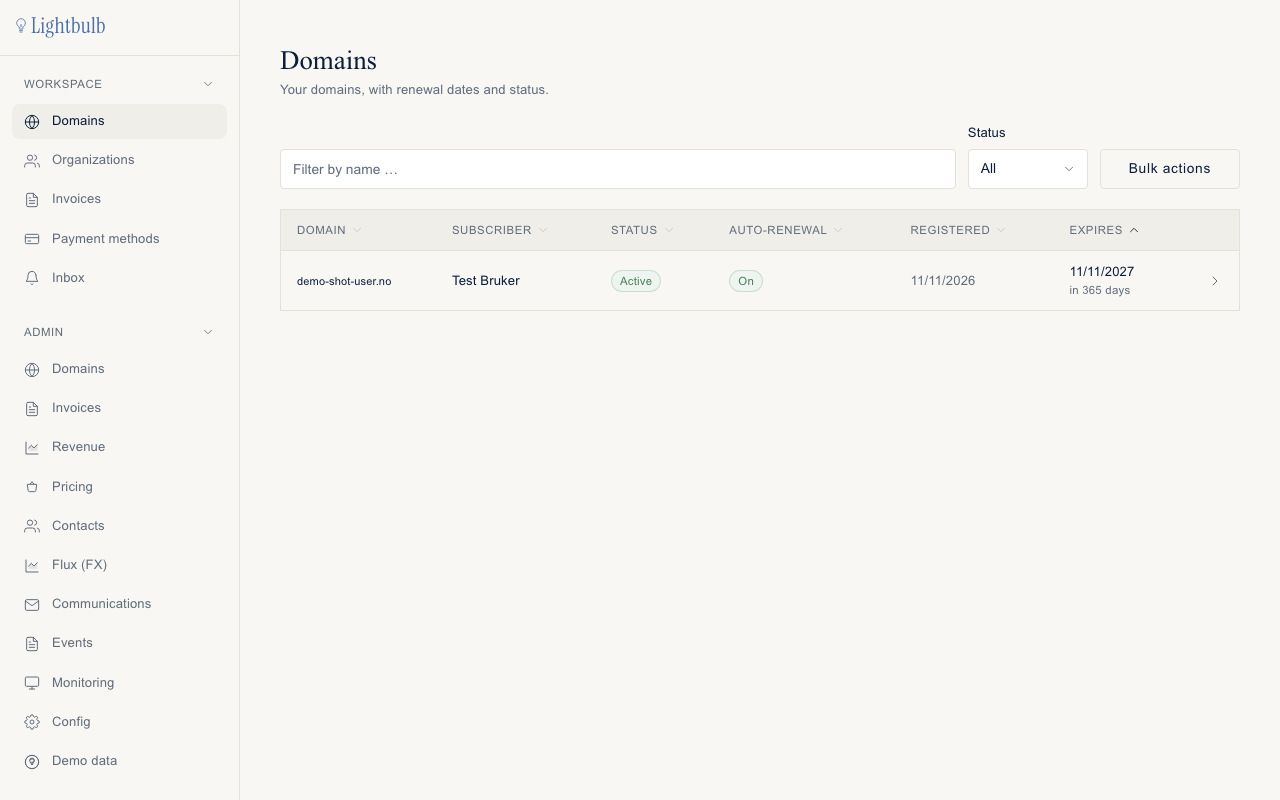
Les denne på norskCheck before you click. Norid, the registry that runs .no, does not publish any email that asks a .no holder to click a link to confirm their details. A mail like that may be a registrar's own routine, an enquiry from Norid (Norid has not published what its enquiries look like), or fraud. The confirmation a .no registration really has is the applicant's declaration you signed when you ordered. So do not use the link. Open your registrar's site yourself, by typing the address, and look whether anything is shown there. For a Sedes domain that is app.sedes.no.
That is not the same as saying such a mail is always fake. Some registrars run their own routines, and there is a click-to-confirm mail for other domain endings (more below). The point is that the link in the mail is the wrong place to find out.
Is the email real?
You cannot tell from the mail alone, and the sender address does not settle it. Norid once warned about a phishing mail that carried a norid.no return address and had nothing to do with Norid. Four kinds of mail are easy to mix up:
| The mail says | Who it could come from | What to do |
|---|---|---|
| Confirm your details, with a link, for a .no domain | A registrar's own routine, an enquiry from Norid (its form is not published by Norid), or fraud. Norid's published rules do not describe a click-to-confirm mail. | Do not click. Check at your registrar's login, or ask Norid or the registrar. |
| Confirm your details, for a .com, .net, .org or similar | The registrar's verification partner. This is the registrant verification that exists for those endings. | Not a .no mail. Check the ending of the domain it names. If it is a .no, treat it as the row above. |
| Pay an invoice for the domain, with a payment link | Not Norid. Norid sends no payment links and does not bill holders directly. | Do not click. Delete it. |
| Code to confirm your email at Sedes | Sedes, when you confirm the email address of your Sedes login | Only type the code into Sedes, in a page you opened yourself. |
What to do now
- Do not click the link, and do not pay anything from the mail. Norid's own advice about the fake invoice mails is the same: do not click, delete the email.
- Open your registrar yourself. Type the address in the browser or use your bookmark. For a Sedes domain, log in at app.sedes.no and look at the domain and see whether anything is shown there. If you find nothing, that does not prove the mail is fake or real, so ask your registrar or Norid.
- Remember who you pay. You pay the subscription to your registrar, never to Norid.
- Still unsure? Ask Norid at info@norid.no or your registrar. For a Sedes domain, write to hei@sedes.no and describe the mail in your own words.
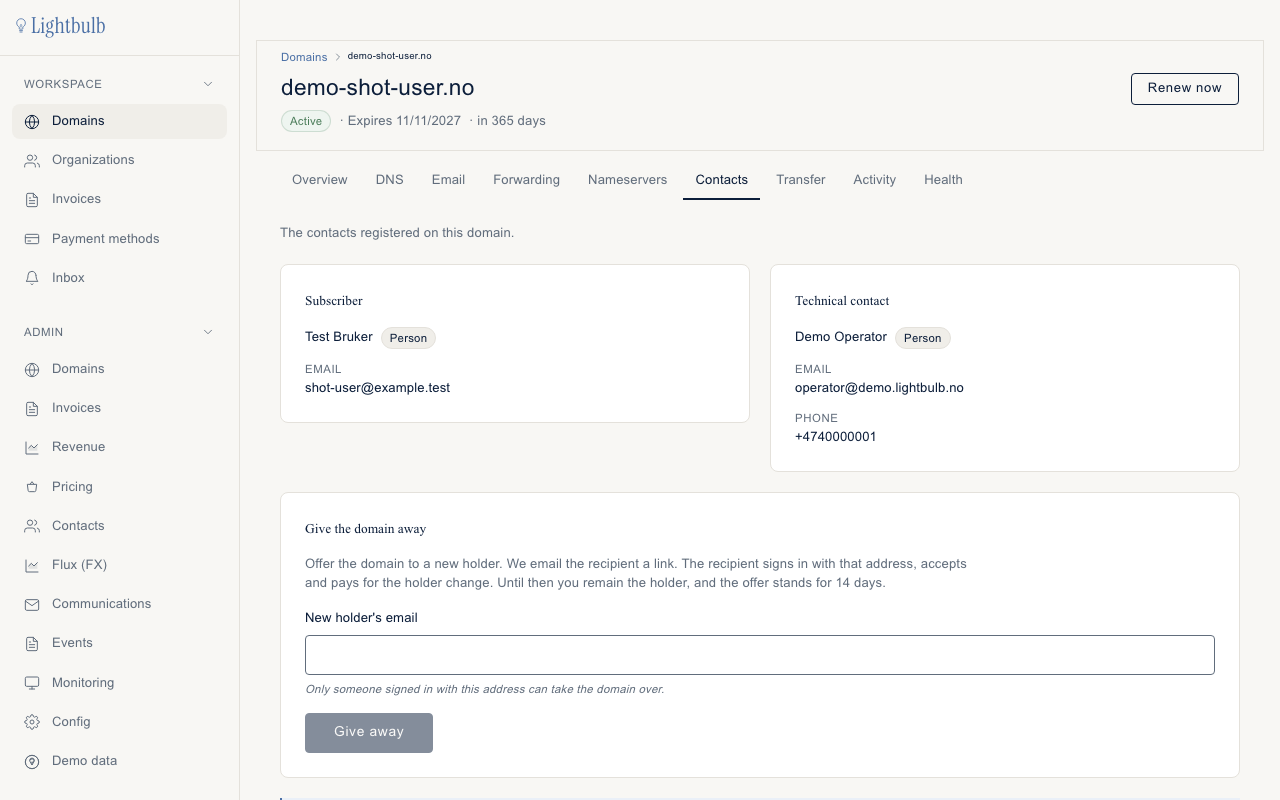
You can also see what is registered on your domain through the domain lookup on norid.no.
If you already clicked or paid
These are general safety steps, not something Norid or Sedes has told us about this kind of mail.
- Do not enter anything more on the page you landed on.
- If you typed a password anywhere, change it at the service the password belongs to.
- If you paid, contact your bank or card company.
- If it concerned a Sedes domain, write to hei@sedes.no. For anything about Norid, write to info@norid.no.
Which emails does Norid actually send?
Norid's rules list the mails a holder gets, and they are about things that have happened or are about to:
- A confirmation when the email address registered on your domain has been changed.
- A confirmation when the domain has moved to another registrar, and a notice if the domain is no longer tied to any registrar.
- A confirmation when the holder is changed, or the domain is suspended or deleted.
- Warnings by email if the registrar has not renewed the subscription. Norid describes this as an automatic deletion process with several warnings, and 90 days from the first one to get it stopped. Our guide to deleting a .no domain covers what happens next.
Norid also says that it and others may need to contact you, and that the email address on the domain is the one it uses, for example if the fee has not been paid. Norid may also ask you whether your registered information is still correct, and your registrar has to tell you once a year what is registered. What those messages look like is not published, so go by the checks above, not by how the mail looks.
What does Sedes send?
Sedes sends mail from hei@sedes.no, and the links in it go to app.sedes.no or sedes.no. That is a description, not a way to prove a mail is genuine, because sender addresses can be forged. The mails to a customer are:
- A code to confirm your email address at Sedes. Six digits, valid for 15 minutes, typed into Sedes. It concerns your Sedes login, not Norid.
- Order received, registered, or failed. Once you have ordered, Sedes sets up the DNS zone and sends the registration to Norid, and the mail says you do not need to do anything. If the order fails, the mail says the domain was not registered.
- Transfer in progress, completed or failed, if you are moving a domain to Sedes.
- DNS records were changed, with a link to the editor.
- Someone has offered you a domain, with a link to accept. Nothing happens unless you accept.
- The holder was changed, sent to the former holder.
- A receipt when an invoice is paid.
None of these asks you to confirm your details at Norid, and none asks for card details by mail. A Sedes order has no step where you must click a link in a mail before the domain is live. Sedes sells .no domains with DNS and forwarding. It provides no mailboxes, so no mail of yours is kept at Sedes.
My details are wrong
Norid requires the registered information to be correct, and the holder has to answer Norid's enquiries about it. The route is through your registrar. At Sedes, the domain's holder contact shows the email address, and the editor lets you change name, phone and address, but not the email: the app shows the address and has no field to change it. To change the email, write to hei@sedes.no. The holder's identity, the organisation number or personal ID, cannot be changed; to change holder, give the domain away. See the holder rules in what Norid requires of you.
How this actually works
When you register a .no, you consent by signing the applicant's declaration electronically before the application goes in, and the registrar must give you a copy. That is the confirmation. Norid then checks the holder itself, not by mail: an organisation against the Brønnøysund Register, a private person against the National Population Register, with daily automatic checks that organisations still exist and an annual check for deceased individuals.
The "confirm your details" mail most people know comes from other domain endings. For .com, .net, .org and a number of others, the registrar's verification partner emails the registrant a link, and the domain is not fully registered until it is followed. That habit is why a .no holder expects one. Some registrars also describe their own confirmation for .no, which Norid's published rules do not list.
Questions
Will I lose my domain if I do not click? Nothing we have read says so, and we have found no deadline or penalty tied to such a mail. If you want to be sure, check at your registrar's login. The mails that do concern losing a .no are the renewal warnings above.
I clicked something on my phone and cannot remember what. Follow the "already clicked" steps above, and write to hei@sedes.no if it concerned a Sedes domain.
Does Sedes read my email? Sedes provides no mailboxes, so there is no mail of yours at Sedes. The address you gave is registered as the contact email at Norid.